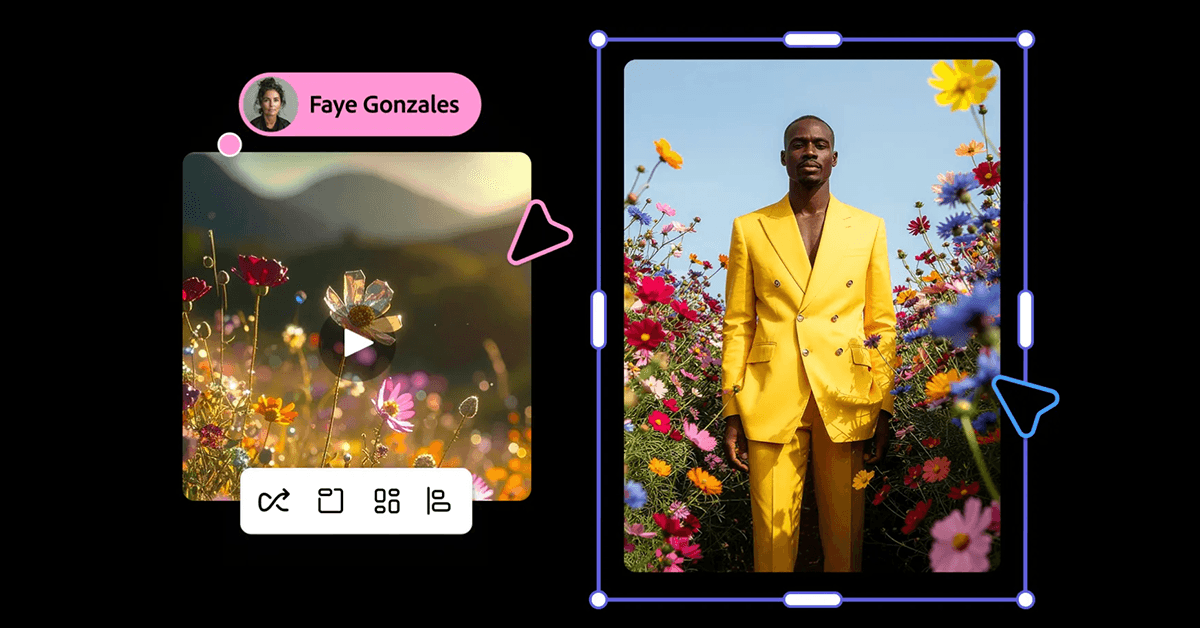
Adobe Firefly is emerging as a practical generative AI for creators and teams. Packed into the Creative Cloud ecosystem, Firefly combines image generation, image editing and enhancement, basic video generation and style customization in a single place. Because it is built for creators, Firefly reduces friction around legal clarity, content safety and workflow integration, making creative automation easier to adopt.
Background and why Firefly matters for creators
Creative teams often face slow iteration, legal uncertainty about asset reuse and the technical overhead of moving AI outputs into established tools. Firefly addresses those points by embedding generative AI where designers already work. The result is faster ideation and a shorter path from concept to production for marketing and product teams.
Key details and how to use Firefly
- Core capabilities include text to image generation, image editing and enhancement, basic video generation and style customization for consistent brand assets.
- Creative Cloud integration lets you move assets into Photoshop, Illustrator and Premiere Cloud for advanced compositing and motion workflows without export pain.
- Commercial licensing and brand safe defaults make Firefly a commercial safe option for agencies and enterprise teams that need on brand assets and clear IP status.
- Content safety and moderation features are built in to reduce the risk of producing disallowed or copyrighted content, and to support content credentials and provenance.
Practical tips for non technical users
- Start with a short specific prompt. Combine subject, style and mood in one sentence. Example: "A cinematic photo of a red bicycle at sunrise shallow depth of field warm tones". This prompt engineering approach speeds relevant image generation and reduces wasted iterations.
- Use presets and prompt templates to anchor outputs and scale consistent visuals across campaigns. Presets help with on brand image generation and creative automation.
- Iterate with targeted edits. Use Firefly editing tools to change color lighting or remove objects rather than regenerating from scratch. Iterative editing preserves useful elements and improves efficiency.
- Leverage Creative Cloud connectivity. Push promising images into Photoshop for compositing or into Premiere Cloud for motion. Workflow automation between apps saves time and keeps assets traceable.
- Keep a prompt log. Track prompt variations and successful settings. Small prompt tweaks produce different aesthetics and a prompt log supports repeatability and generative engine optimization.
What this means for workflows and teams
- Lower technical barrier and faster iteration. By embedding generative AI into existing tools, teams can prototype visual ideas in minutes and refine inside the same ecosystem.
- Reduced legal friction. Commercial licensing and brand safe defaults let teams publish with more confidence, accelerating adoption for marketing and product use cases.
- Changing roles and skills. Routine tasks such as background replacement or color matching can be automated or accelerated. Human work shifts to direction curation and quality control.
Challenges and where Firefly may evolve
Video generation is still basic so high end motion work will need specialized tools. Output quality depends on prompt craft and iteration discipline. Many Creative Cloud subscribers may underuse Firefly if they do not know how it fits into their existing pipeline. Expect deeper enterprise controls and stronger video capabilities over time.
Quick SEO and adoption tips
- Include keywords such as generative AI Adobe Firefly Creative Cloud image generation commercial licensing prompt engineering content safety and creative automation naturally in copy and metadata to improve discoverability.
- Add structured data for creative works and FAQ to help search and answer engines understand your content.
- For enterprise posts emphasize IP protection content credentials brand safe workflows and commercial safe usage to attract high intent readers.
FAQ
Is Adobe Firefly safe for commercial use?
Yes. Firefly offers commercial use licensing and builtin safety measures that reduce legal risk for marketing and product teams. For enterprise grade guarantees check Adobe business offerings that describe indemnification and governance options.
How does prompt engineering help brand consistency?
Prompt engineering and prompt templates let teams generate on brand visuals at scale. Keeping a prompt log and using presets ensures consistent tone and style across campaigns and supports rapid creative automation.
Conclusion
Adobe Firefly is not the flashiest model but it is one of the most practical generative AI options for teams that need fast ideation integrated with Creative Cloud. Test presets iterate with targeted edits and keep a prompt log to see where automation frees time for higher value creative work.